
Rush hour at the MRT-3 can be hectic—with long lines, crowded ticket booths, and the constant scramble for spare change. But here’s good news: your daily journey can now be faster, easier, and cashless—because you can now use GCash to pay for your MRT-3 trips.
In partnership with the Department of Transportation, GCash has rolled out an automated fare collection system at MRT-3 stations. That means no more lining up for tickets. As long as you have at least P28 in your GCash wallet (the maximum MRT-3 fare), you’re ready to ride.
The full fare is deducted when you enter, and your change is automatically credited back after exit. Everything is tracked in your GCash Transaction History.
Here are three easy ways you can use GCash at the MRT-3:
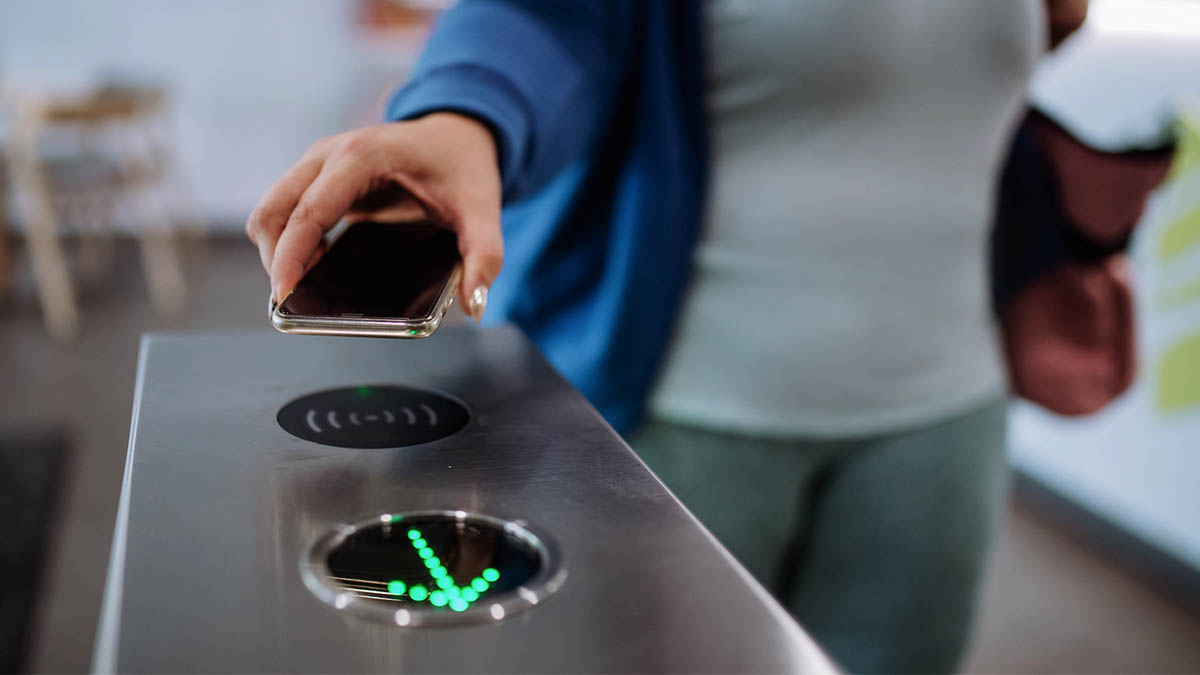
1. Tap to pay with your phone
If you have an NFC-enabled Android phone, you can turn your device into a digital ticket:
- Turn on your phone’s NFC feature.
- Go to Settings on your GCash app.
- Enable Tap to Pay and agree to the terms.
- At the station, tap your phone on the turnstile to enter and exit.
The fare is automatically deducted, and any change is credited back to your GCash wallet.
2. Scan your Commute QR
No NFC? Use the GCash Commute QR instead:
- Open your GCash app and tap Commute.
- Tap Generate QR and screenshot or download it.
- Scan your QR at the fast lane turnstiles upon entry and exit.
This feature works even without mobile data for Globe and TM users/
3. Use your GCash Visa Card
Prefer a physical card? Use your GCash Visa Card just like a beep card:
- On your GCash app, select ‘Cards’ and choose ‘Link my card. Input OTP and submit,
- Enter the last 4 digits of your card and your virtual account number found at the back then submit.
- At the station, tap your card on the turnstile to enter and exit.