
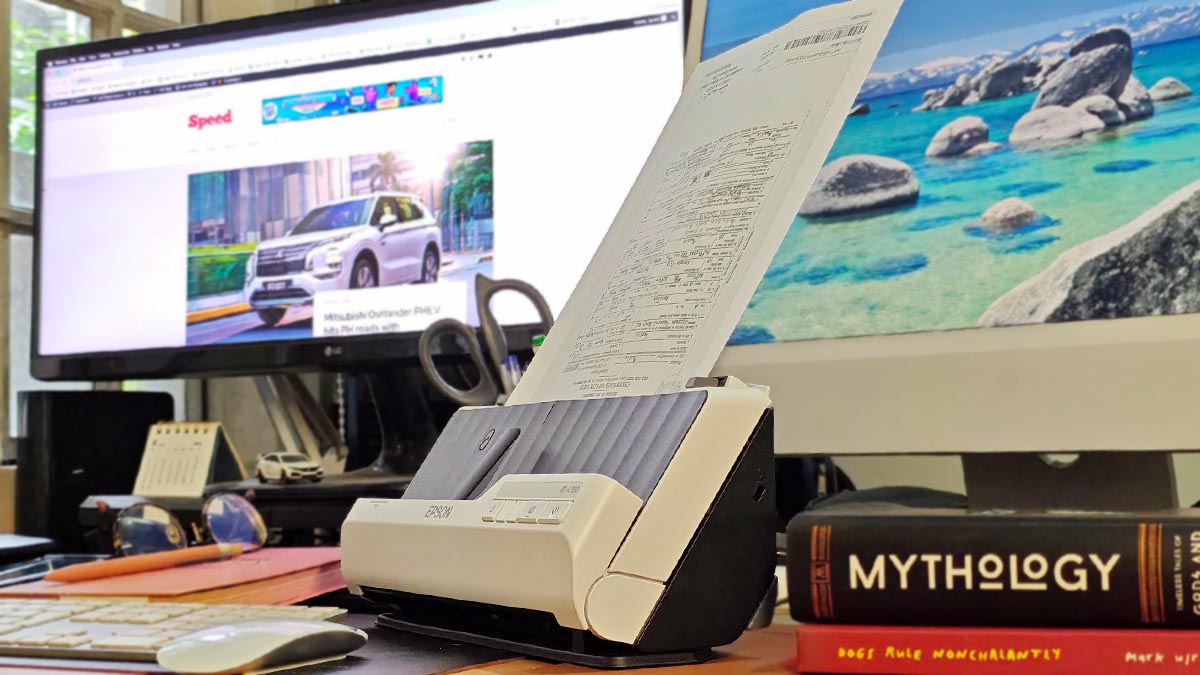
If you’re working with a crowded desk, the last thing you probably want is another bulky office machine taking up valuable space. This is where the Epson WorkForce DS-C330 makes a strong case for itself. Designed for both home offices and small businesses, this compact A4 document scanner gives you the speed and flexibility of a more capable office scanner without demanding much room on your desk.
Measuring just 296 x 104 x 125mm, the DS-C330 is remarkably compact. Its vertical-path scanning design lets you feed documents upward, so you can position the scanner in relatively narrow workspaces. There’s also a built-in cable-management tray that helps keep your desk from becoming cluttered.
Setting up the Epson WorkForce DS-C330 is pretty simple. Start by plugging in the scanner, then download and install the necessary Epson drivers and software before connecting it to your computer via USB. Once everything is installed, open Epson Scan 2, check that the scanner is detected, and you’re ready to scan your documents.
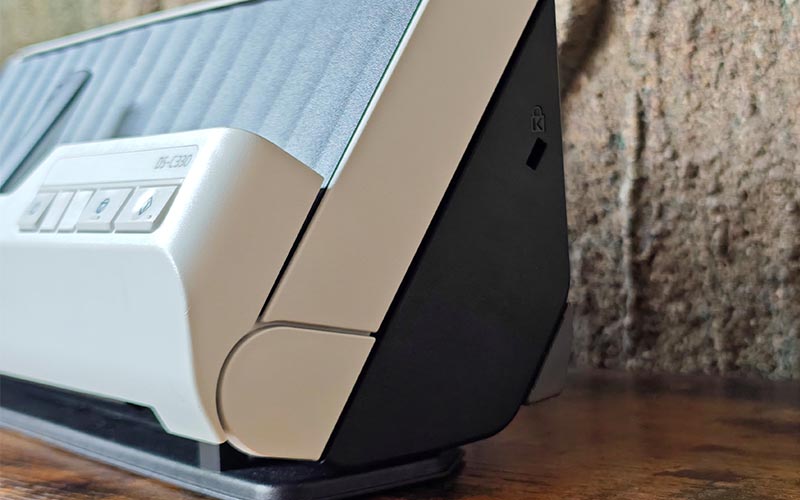
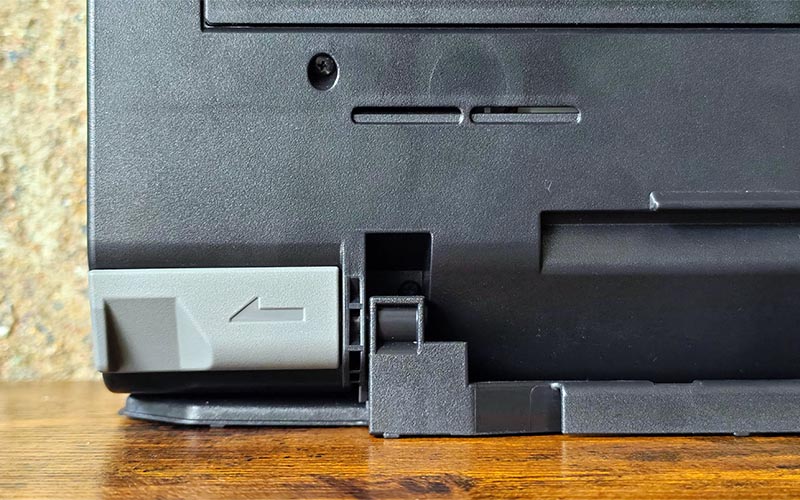
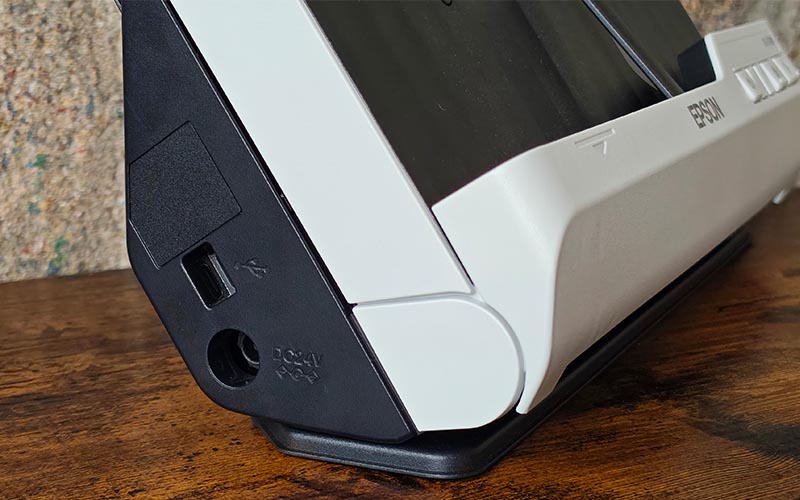
Despite its small size, you get respectable scanning performance from the DS-C330. It can scan at speeds of up to 30 pages per minute (ppm) or 60 images per minute (ipm) when scanning both sides of a document. Its 20-sheet automatic document feeder (ADF) is convenient when you need to digitize receipts, forms, invoices, and other paperwork. For bigger batches, the scanner’s Automatic Feeding Mode lets you continue adding documents without having to repeatedly restart the scan.
Where the DS-C330 becomes more useful is in its flexibility. You can switch between vertical-path and straight-path scanning depending on what you’re scanning. The straight path is particularly handy when you need to scan thicker or more delicate items, such as envelopes, plastic cards, and passports (when used with a carrier sheet). You can also scan long documents up to 3,048mm (120 inches!), while the straight path supports media weighing up to 413gsm.
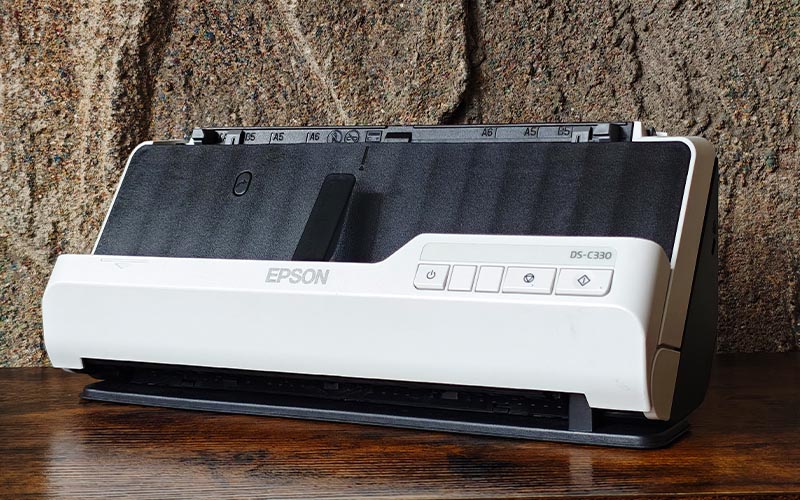
If you’re worried about damaging an important document, Epson has included several safeguards. Double Feed Length Detection can stop the scanner when it detects multiple sheets being fed together. Paper Protection can also suspend scanning if it detects excessive roller pressure or a skewed document. Meanwhile, the Glass Dirt Detection feature alerts you when the scanner glass needs cleaning.
You also get Epson Document Capture Pro, which can make your scanning workflow considerably easier. Instead of manually naming, sorting, and filing every document, you can create up to 30 customizable workflows. The software can turn scanned documents into searchable PDFs or editable Word files. It can also automatically organize files by recognizing text and barcodes.
This makes the DS-C330 useful for creating digital backups of important documents, receipts, invoices, and other paperwork. Instead of keeping stacks of paper for future reference, you can scan and store digital copies that are easier to organize and retrieve when needed.
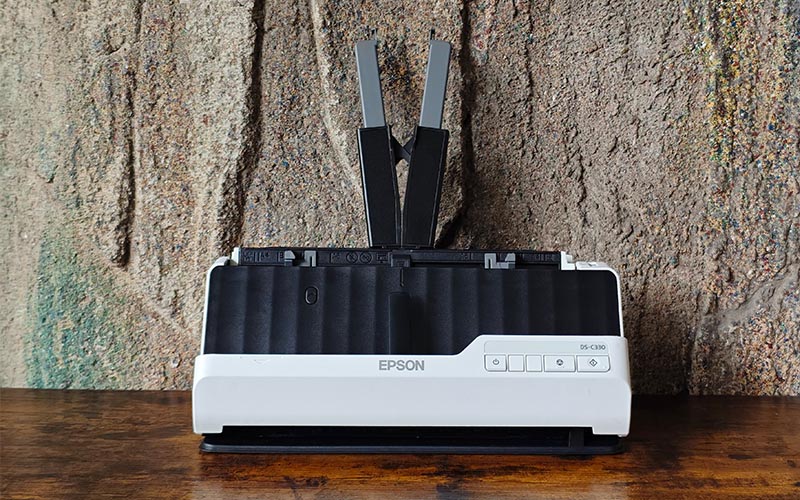
The DS-C330 is rated for a 5,000-sheet peak daily duty cycle and uses a user-replaceable roller assembly, making it better suited to regular office use than basic home scanners. Its USB connection is straightforward and reliable, although the lack of built-in Wi-Fi or network connectivity may be a drawback for offices where several computers need to share one scanner.
The 20-sheet ADF is another limitation. It works well for everyday home-office and small-business tasks, but if you regularly scan hundreds of pages, you’ll have to stop and reload it several times.
That limitation is understandable given the DS-C330’s compact design. The Epson WorkForce DS-C330 isn’t trying to replace a heavy-duty departmental scanner. Instead, it offers a practical balance of speed, document protection, and media flexibility—all in a compact machine that can comfortably fit on a crowded desk.
Speed says
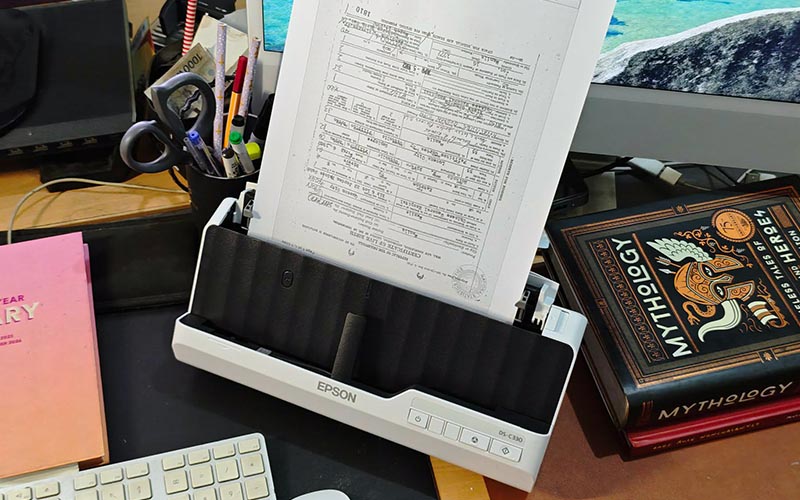
The Epson WorkForce DS-C330 works best if you want a small, fast. and versatile scanner for everyday documents. You get useful protection features, flexible media handling, and software that can automate much of the tedious work. If you don’t need Wi-Fi or a large-capacity ADF, this ₱16,835 scanner can be a practical addition to your home office or small business—especially when desk space is at a premium.